Attributes buried in free text
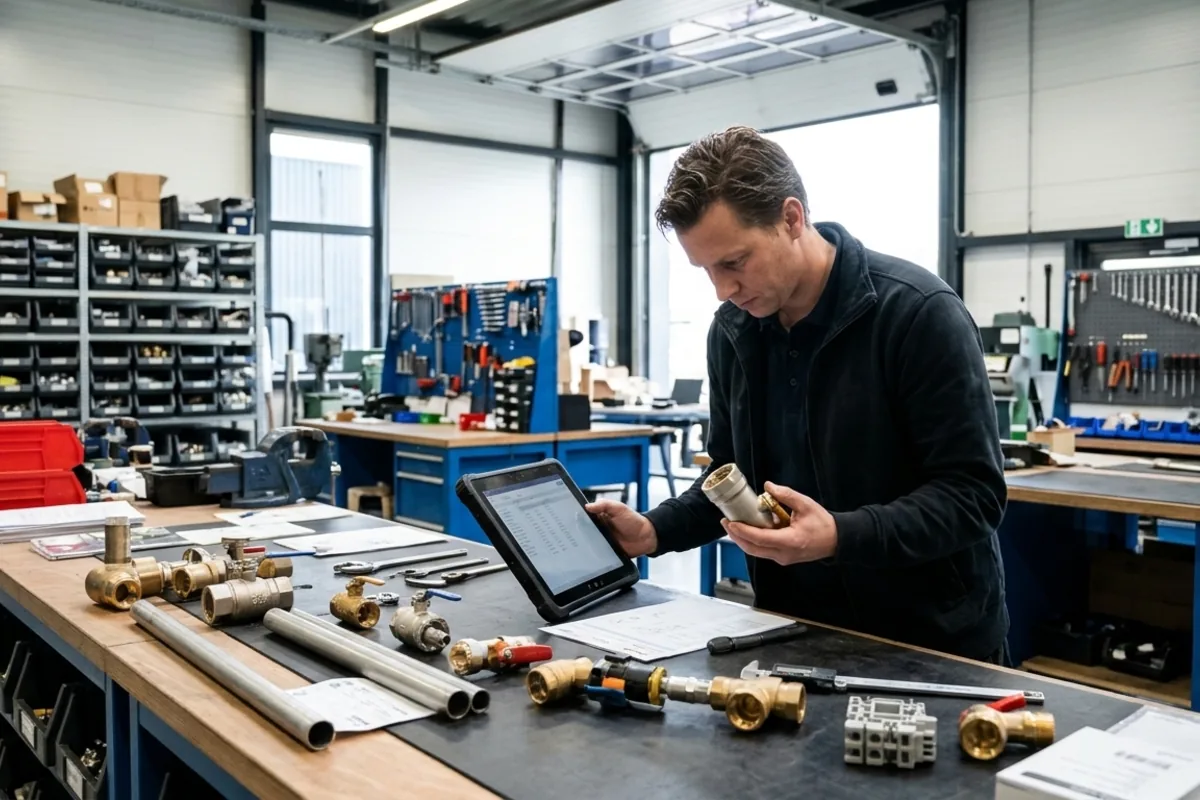
Diameter, voltage or material sit in a description instead of a field your filters can use.
Inloadr processes product data from your suppliers and 2BA, aligns features and keeps supplied ETIM classes. The checked result goes to your PIM, ERP or webshop.
Diameter, voltage or material sit in a description instead of a field your filters can use.
Millimetres alongside inches, watts alongside kW. A filter only works when everything uses a consistent unit.
Suppliers may already provide a class and its attributes. You want to keep those, not enter them again.
The number of items grows faster than the team available to check them.
A simplified technical mapping example. Field names are illustrative; values always come from the supplied data.
An illustrative example. Your own mapping depends on your suppliers and webshop.
One is a source, the other a way to describe products. That distinction shapes how you organise your data.
A place where suppliers share product data with the installation industry.
A standard defining which classes and attributes describe a technical product.
The source determines which classes and features are available. Inloadr processes 2BA data, keeps the supplied ETIM classes and features with the item and prepares them for your PIM, ERP or webshop.
Supplier data through an API, Excel or CSV, FTP or SFTP, or Google Sheets, just as you receive it today.
Map supplier fields to your data model. Supplied classes and attributes are retained.
Spot missing or inconsistent values, while AI helps write readable product copy based on the specifications.
Checked items go to your PIM, ERP or webshop, with features customers can filter on.
Bring together product files and feeds from your technical suppliers. Use mappings and rules to align different source fields with your own data model.
Do you work with a PIM? Inloadr connects to it and supplies checked product data. You can also publish to your ERP or webshop.



You link the supplied classes and features to your data model once. After that they stay with the item. Inloadr does not invent an ETIM class if the source lacks one.
Yes. Inloadr can process product data from 2BA and prepare it for your PIM, ERP or webshop. You decide which fields to use.
2BA is a data pool where suppliers share product data. ETIM is a classification standard defining the classes and attributes that describe a product. Data from a data pool can include ETIM classifications.
Yes. Inloadr connects to your existing PIM and does not replace it. We process and check supplier data beforehand, so your PIM receives clean items.
Your mapping defines how values from different sources fit into your fields, giving your webshop consistent attributes. We can explore the details using your own files.
We will explore how your item numbers, attributes and classifications reach your own systems. Bring your ETIM or 2BA source too.
Working in another industry too? Explore furniture and home retail or all industries.